
Mail~
Email, beautifully simple.
Mail~ is iCloud Mail the way it should feel: your conversations, and nobody in between.
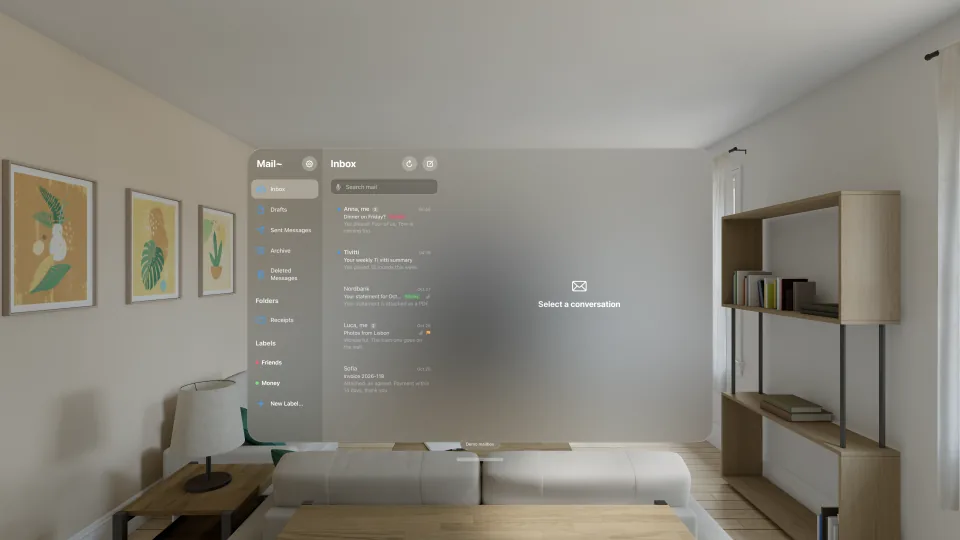
For iCloud Mail only. Mail~ talks only to Apple, and there is no Mail~ server. On iPhone, iPad, Mac and Apple Vision Pro, with a companion on Apple Watch.
Buy once, use it on your Mac, iPhone, iPad and Apple Vision Pro.
Coming soon to the App Store.


Made for iCloud Mail
-
Conversations, not messages
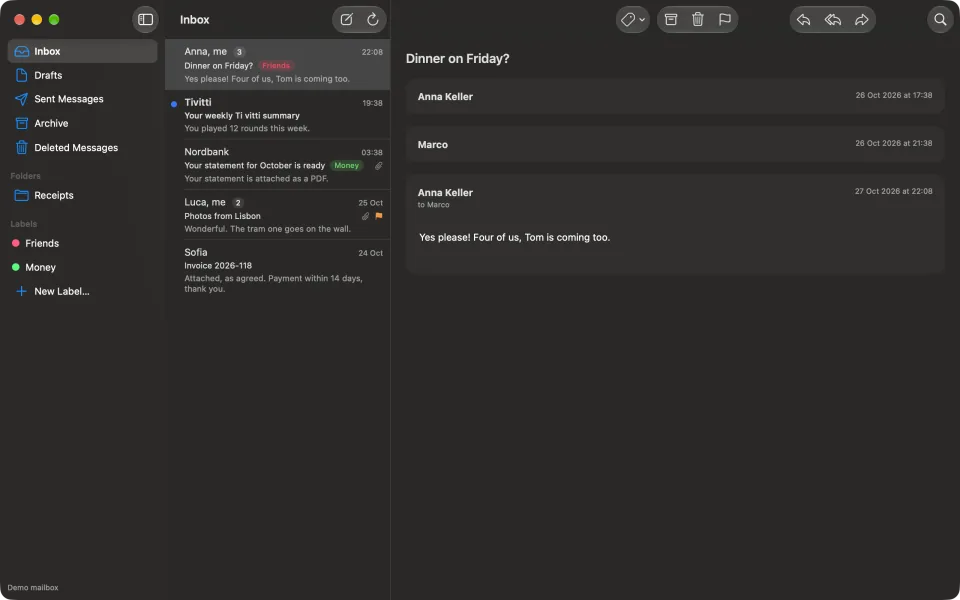
Replies and the mail you sent are threaded together, newest first, with the people and the subject at a glance.
-
Nothing to configure
One address, one app-specific password that Apple creates for you, and you are in. No server names, no ports.
-
Private by design
Mail~ talks only to Apple, and to a newsletter only when you ask it to unsubscribe you. There is no Mail~ server, no analytics, nothing collected. Remote images stay off until you say so.
-
Write as the right you
Reply from the address a message was sent to, with the app telling you why, never silently from the wrong one.
-
Files are files
Attachments are listed as what they are, previewed with Quick Look and saved where you want them, without downloading the whole message first.
-
Labels that follow you
Colour-coded labels sync through your own iCloud, encrypted, to your Mac, iPhone, iPad and Apple Vision Pro.
-
Search that finds
Subject, people and the text of mail you have read, in any order of words.
-
Honest notifications
On iPhone, iPad and Apple Vision Pro, Mail~ checks in the background when the system lets it; alerts can take minutes to hours, and the app says so.
What you need
- An iCloud Mail account (@icloud.com, @me.com, @mac.com) with two-factor authentication on your Apple Account.
- iPhone or iPad with iOS 26 or iPadOS 26, a Mac with macOS 26, or Apple Vision Pro with visionOS 26.
- Apple Watch with watchOS 26, paired with an iPhone that runs Mail~.